
Gain more control over your workflows with VBA and macros.
If you're experiencing instability with VBA programming, macros, or automation in MS Access, our consultants simplify the complexity and provide the support you need.
- Automation of Complex Tasks
- Debugging and Error Handling
- Enhanced Productivity & Decision-Making
- Integration with Other Applications
See our pricing plans → — starting from $40/hour, no obligation.
You'll work directly with Mr. Ali, not get routed through a call center.
Custom VBA & macro development
Our Access experts use advanced error-handling techniques like On Error Resume Next, On Error GoTo, and error logging to keep your application running smoothly.
VBA Code Development
We write clean, commented VBA tailored to your workflow instead of copy-pasted snippets that break on edge cases.
Macro Creation and Optimization
Existing macros are reviewed and tightened up, and new ones are built for the tasks your team currently does by hand.
Debugging and Error Handling
We trace intermittent errors to their root cause and add proper error handling so failures don't silently corrupt data.
Database Integration
VBA connects your Access database cleanly to Excel, Outlook, and other systems you already rely on.
Custom Report Generation
Scripted reports pull exactly the data you need, formatted and scheduled the way your business runs.
User Interface Customization
Forms get VBA-driven validation, conditional logic, and a more intuitive experience for the people using them daily.
A real example: the monthly report that took a full day
The most common automation job I see looks like this. Once a month, someone exports data to Excel, cleans it by hand, copies totals into a Word document, and emails it to management. It takes most of their day, and occasionally the numbers are wrong. In VBA that becomes one button: a set of queries aggregates the data, an Access report formats it, Outlook automation sends it, and the whole run finishes in under a minute. The interesting work isn't the happy path. It's handling the month where a source file is missing or a value arrives as text instead of a number, which is exactly where the hand-built process used to fail silently too.
Debugging existing VBA is the other half of this service. Intermittent errors like "Object variable or With block variable not set", type mismatches that only appear on certain records, code that runs fine on your machine but errors on a colleague's. I trace these with logging rather than guesswork: an error handler in each routine writes the procedure name, error number, and the record being processed to a log table, so the next failure tells us exactly where to look. Most "random" errors turn out to be very consistent once the conditions are actually recorded.
Not everything needs VBA. Access macros handle the simple cases well (open a form, run a saved import, requery a list), and they're easier for your own staff to read and adjust later. My rule is macros for glue, VBA for logic: anything involving loops, error handling, or talking to Excel and Outlook gets proper code with comments and a consistent structure. Mixing the two carelessly is how databases end up with logic scattered across forty macros nobody can follow.
Performance work on existing code is its own category. The usual offender is a loop that walks through records one at a time doing something a single update query could do in one pass, sometimes turning a two-second job into a twenty-minute one. Other frequent finds: code that opens and closes the same recordset hundreds of times, and lookups repeated inside a loop when the value never changes. Rewriting these is mechanical once identified, and the speedup is often dramatic enough that people assume the hardware changed.
When the work is handed back, you get a walkthrough of what each routine does and where its settings live. Plenty of my clients make their own small adjustments afterward, and that's by design. Automation that only its author can touch isn't an asset, it's a liability with a deadline.
See it built for a real business
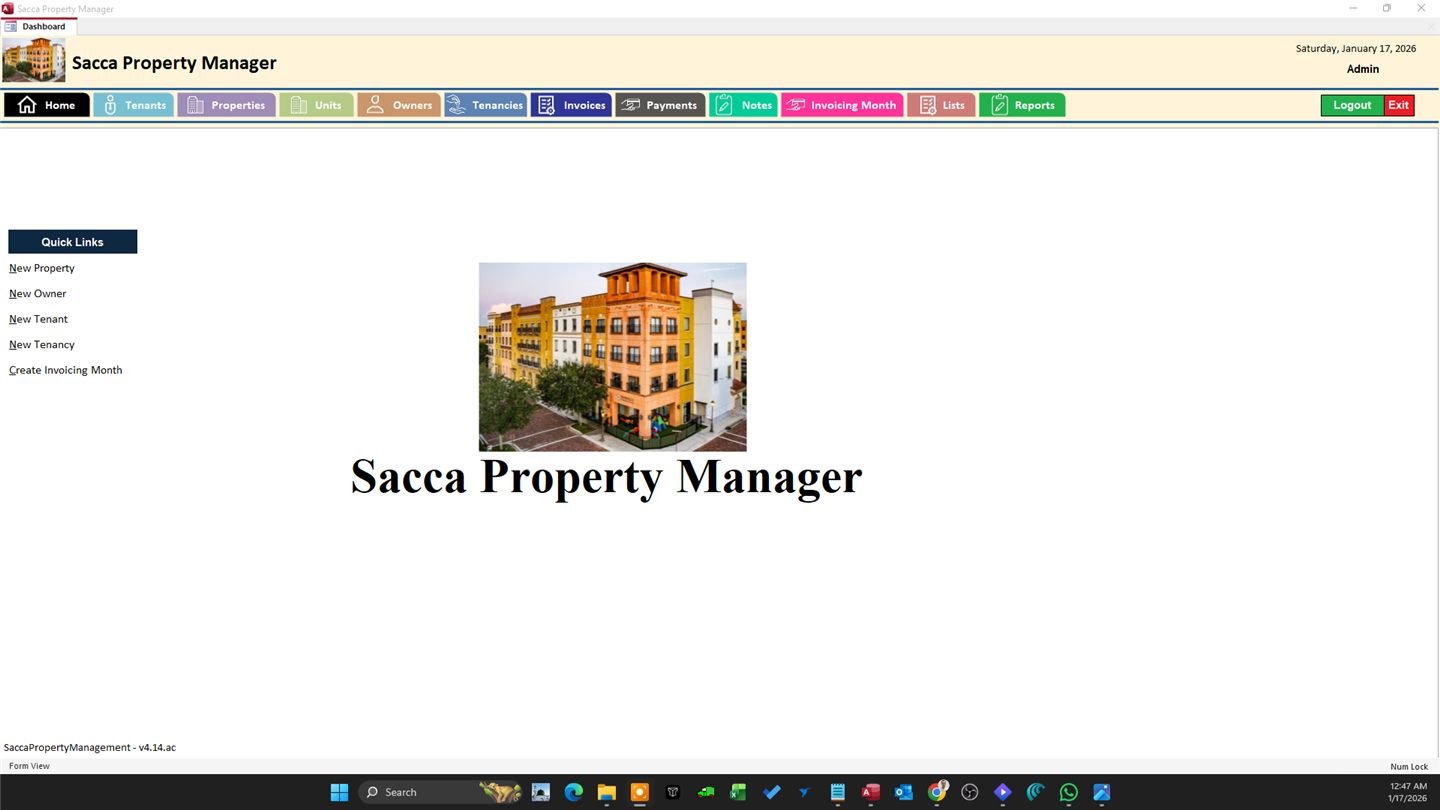
Commercial Property & Lease Management System
A custom MS Access system replacing spreadsheets for a commercial property manager — unit tracking, CAM/tax billing, and automated invoicing.
View case study →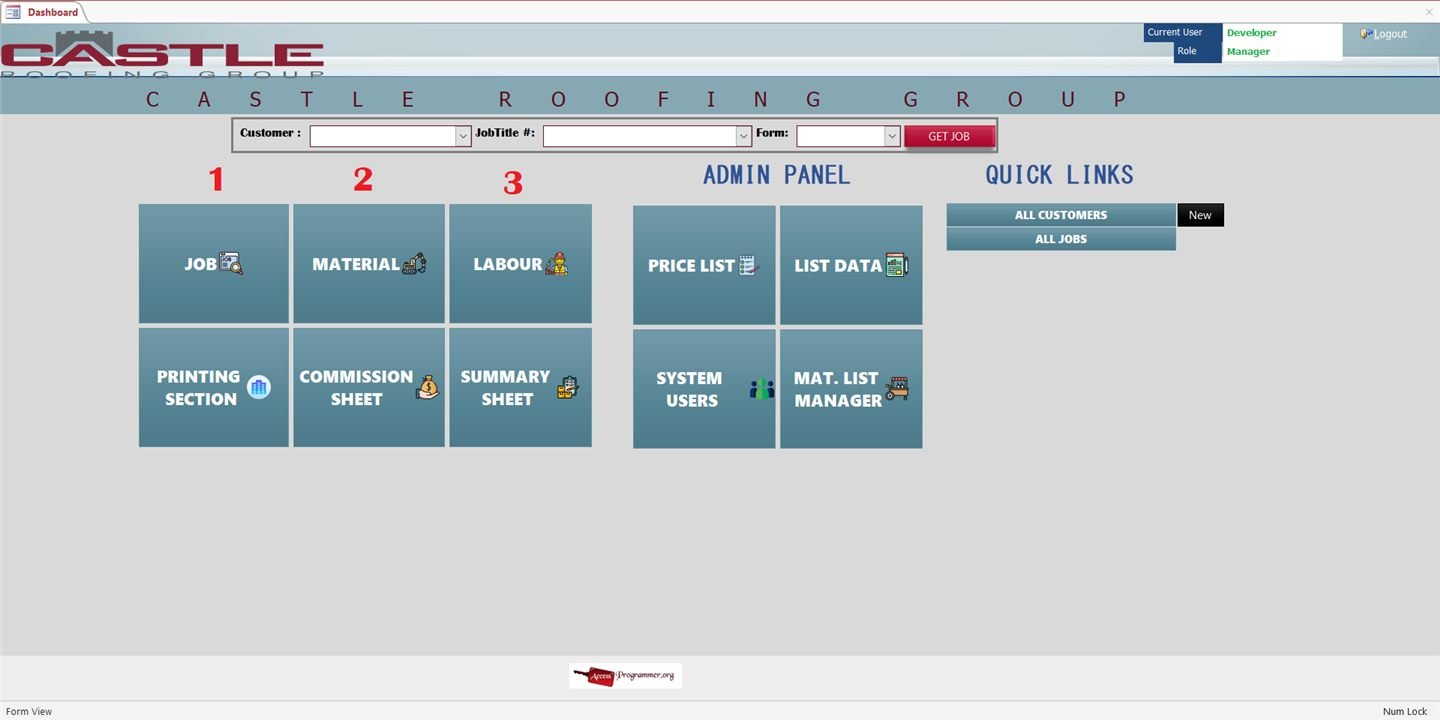
Roofing & Construction Job Costing System
A VBA-driven MS Access system for a roofing contractor — square footage and waste calculations, dynamic pricing, and commission tracking.
View case study →Frequently asked questions
What can VBA and macros actually automate in Access?
Repetitive data entry, scheduled reports, form validation, email notifications, and integration with tools like Excel or Outlook — most routine tasks can be scripted.
My VBA code throws random errors — can you fix it?
Yes, debugging and error-handling cleanup is one of our most common requests. We trace the root cause rather than just suppressing the error.
Can macros replace VBA for simple automation?
For straightforward tasks, yes. We recommend the simpler option where it fits and reserve VBA for logic that macros can't handle.
Do you document the code you write?
Yes — we comment scripts and can walk your team through how everything works so it's not a black box after we leave.
Stabilize your database with VBA & macro automation
Streamline your daily operations by letting macros and VBA handle routine processes automatically, with sophisticated validation and error-handling for accuracy and reliability.