
Get your whole team working in one database.
We assist with multi-user access, enabling better teamwork, streamlined management decisions, and increased efficiency — while ensuring accuracy, integrity, and consistency across your organization.
- Improved Teamwork and Productivity
- Sharing Resources
- Reduced Confusion and Discrepancies
- Real-Time Data Access
See our pricing plans → — starting from $40/hour, no obligation.
You'll work directly with Mr. Ali, not get routed through a call center.
Setting up multi-user access
Expand your MS Access database for multi-user access with full security and safety — here's what that involves.
Performance Regulation
The database is tuned so performance stays consistent as more users connect at once.
Easy Maintenance
Front-end and back-end are split so updates can be rolled out without disrupting everyone's copy.
Better Utilization of Resources
Shared network or cloud storage is configured so multiple users draw on the same live data efficiently.
Support & Troubleshooting
We resolve the locking and conflict issues that commonly appear once several people are editing at once.
Authenticated Login
Each user gets their own login with permissions scoped to what they actually need to access.
Increased User Engagement
A smoother, faster shared experience means your team actually uses the system consistently.
The un-split database, and other reasons teams overwrite each other
Nearly every multi-user problem I get brought in on has the same root: one .accdb file on a network drive, opened directly by everyone. It works with two careful users. Then the team grows, and the symptoms arrive. Records lock for no visible reason, changes vanish, and the file corrupts on the day someone's laptop drops off the Wi-Fi mid-save. None of that is Access misbehaving. It's a single-file setup being asked to do a job it was never configured for.
The fix is the split. Tables and data move into a back-end file that stays on the shared drive; everything else, the forms, queries, reports, and code, becomes a front-end file, and each user runs their own local copy of it. Only data crosses the network after that. The difference is immediate: fewer collisions, faster forms, and updates you can roll out by replacing front-end copies instead of kicking everyone out of the database. I usually add a small version check so an outdated front-end refuses to run, which permanently ends the "half the office is on the old version" problem.
Locking then gets configured deliberately instead of by default. For most teams that means record-level locking on edited records, so two people can work in the same table without silently overwriting the same row, and the second editor is told who has the record rather than shown a cryptic error. Individual logins with scoped permissions come next: the warehouse sees stock, accounts sees invoices, and only the people who should delete records can.
The conversion itself doesn't need downtime. Splitting happens on a copy while your team keeps using the current file; the front-end gets built and tested against real data; and the switch is a single evening: last person out of the old file, back-end goes live on the share, front-end copies land on each desktop. A small launcher script that pulls the latest front-end version at startup means nobody ever has to manually update anything again. The next morning the team opens what looks like the same database, minus the problems.
Set up this way, an Access system serves somewhere around fifteen to twenty-five active users comfortably, depending on how write-heavy the work is. Past that point, or with remote offices in the mix, the same front-ends can be re-pointed at a SQL Server back-end without your team relearning anything. I'll tell you honestly which side of that line your team is on.
See it built for a real business
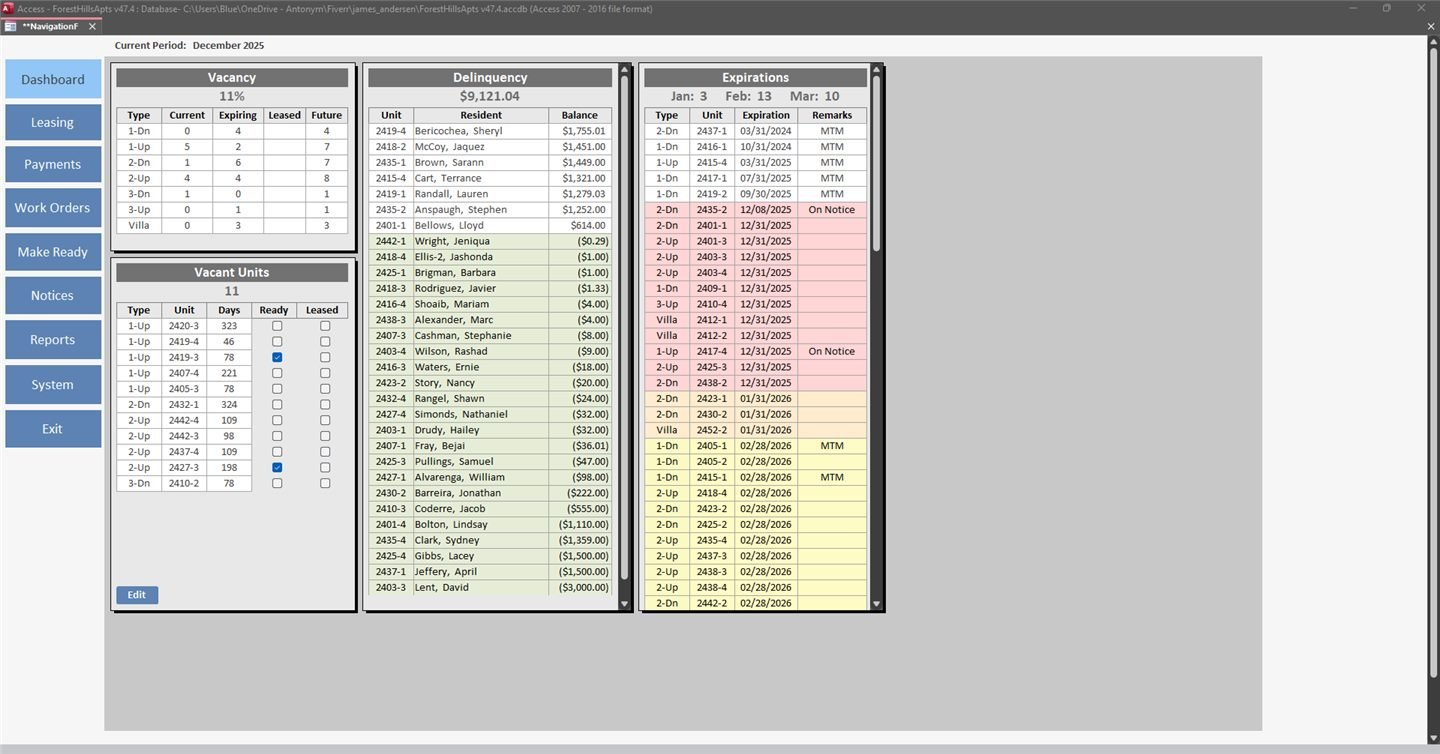
Residential Apartment Management System
A custom MS Access system for a residential apartment community — lease lifecycle, resident ledgers, delinquency tracking, and legal notices.
View case study →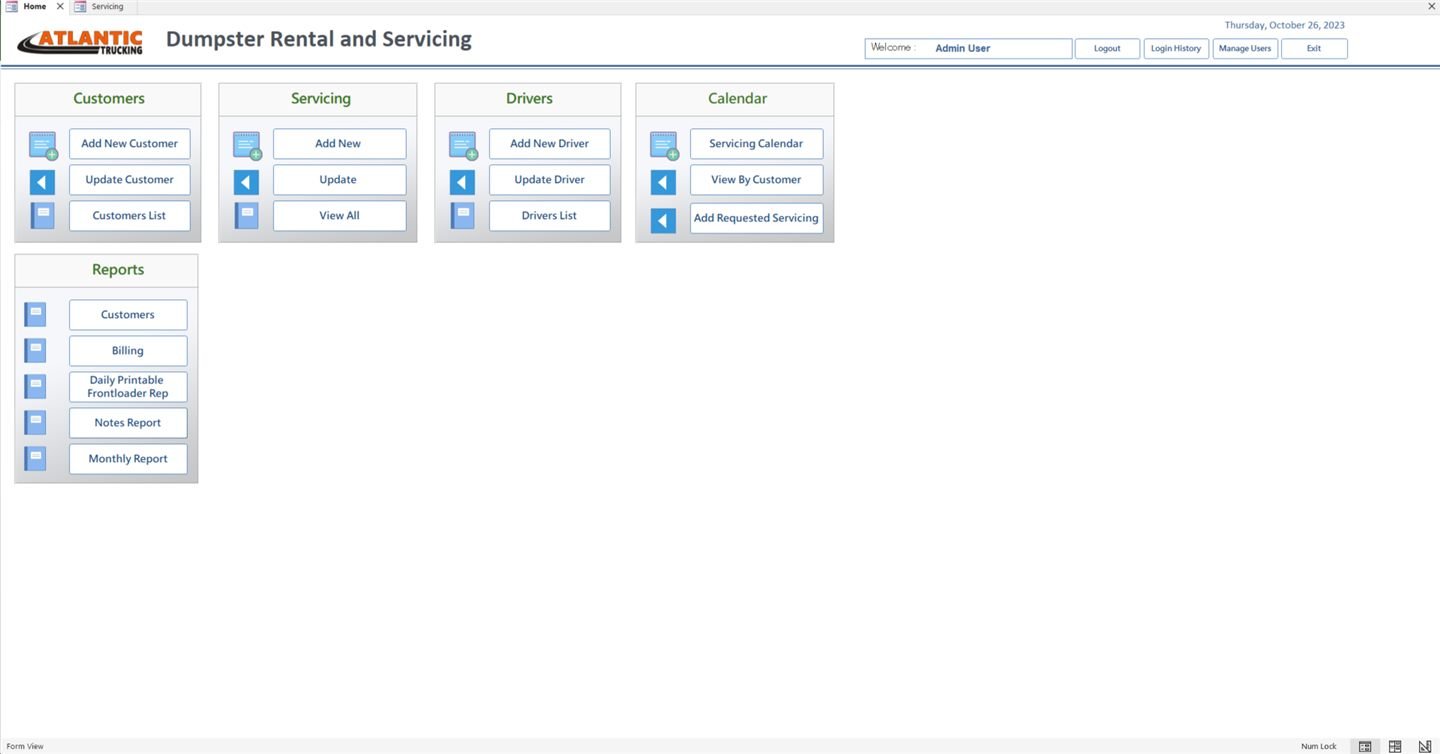
Dumpster Rental & Service Scheduling System
An MS Access system for a dumpster rental company — client and driver management with color-coded delivery/pickup scheduling.
View case study →Frequently asked questions
How many users can an Access database support at once?
Properly split into front-end and back-end, Access can reliably support a small-to-mid-size team; beyond that, we may recommend a SQL Server backend instead.
Will multiple users overwrite each other's changes?
No — we design record-locking and permissions so simultaneous edits don't clash or silently overwrite data.
Do all users need the same level of access?
No, we set up authenticated logins with user-level permissions so people only see and edit what they should.
Can remote and in-office users share the same database?
Yes, we combine multi-user setup with remote access configuration so both groups work from the same live data.
Ready for multi-user access?
If you're looking for help with your multi-user MS Access database, don't wait any longer — get in touch with our experts.