
Outgrown your spreadsheet? Move to Access.
We convert Excel spreadsheets into a proper Microsoft Access database — transferring data from .xls/.xlsx files into a relational format for more powerful data management and querying.
- Improved Performance
- Multiple User Support
- Comprehensive Solutions
- More Secure
See our pricing plans → — starting from $40/hour, no obligation.
You'll work directly with Mr. Ali, not get routed through a call center.
Secure your data with Microsoft Access
Take all your data from Excel spreadsheets into MS Access — here's how we handle the conversion.
Resolving Compatibility Issues
Formatting and formula quirks that don't translate directly are resolved before import.
Importing Excel into MS Access
Flat spreadsheet data is restructured into properly linked relational tables.
Advanced Reporting Features
Access's reporting tools replace manual pivot tables with reusable, automated reports.
SQL Queries
Custom queries give you filtering and analysis Excel formulas can't easily replicate.
VBA Techniques
Where useful, VBA automates the data entry and validation that used to be manual in Excel.
Export or Link Excel Data for Ongoing Use
We set up linking or export options so Excel stays available for the tasks it's still useful for.
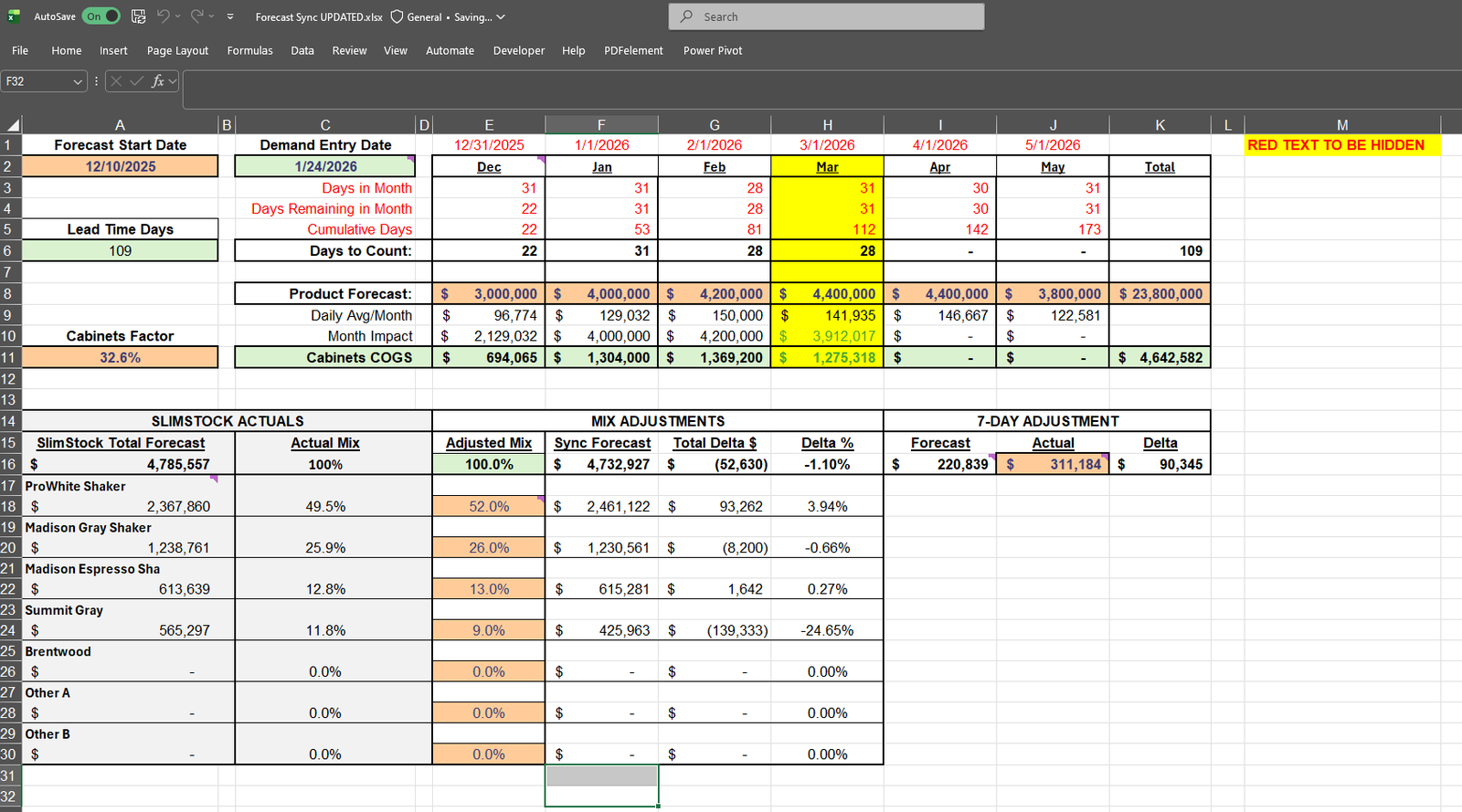
A typical conversion: the workbook with a sheet per month
The workbooks that arrive for conversion look remarkably alike. There's a sheet per month or per year, each one a copy of the last with the formulas hopefully updated. Customer names are typed fresh on every row, so the same client exists as "Acme Ltd", "ACME", and "Acme Ltd." simultaneously. Lookups reach across sheets, a few cells are shaded red for reasons only one employee remembers, and the file takes noticeably longer to open than it did last year. None of this means anyone did anything wrong. It means the data outgrew the tool.
Conversion starts with untangling that structure, not importing it as-is. Twelve month-sheets become one transactions table with a date field. The repeated customer names become a customers table, and every historical spelling of each name gets reconciled to a single record. That reconciliation is tedious, careful work, and it's also the single biggest quality gain in the whole project, because until now your reporting has never actually counted "Acme" as one customer. Calculated columns become queries, so each total is computed one way, in one place, instead of in a formula someone might have dragged one row short.
Then the parts of Excel that people genuinely liked get rebuilt properly. Data entry moves into forms with validation, so a date can't land in an amount column and new customers get picked from a list instead of retyped. The pivot tables you relied on become saved reports that run identically every month. Excel doesn't disappear either: I typically link it to the Access data, so anyone who wants to analyze in a spreadsheet still can, against live, clean data instead of a copy of a copy.
One change lands harder than the rest: the end of "the file is locked by another user". A shared workbook effectively serves one editor at a time, which is why so many businesses end up with a rota for who gets the file when, or four diverging copies named final, final2, and so on. In Access, several people enter and edit at once, against one live dataset, with record locking sorting out the rare collision. For teams of three or more, that alone tends to justify the conversion before any other benefit is counted.
Your existing history comes across in full, validated during import with row counts and spot checks against the original workbook. The changeover point is when the numbers from Access match the numbers from Excel for the same period, and not before.
Frequently asked questions
Why move from Excel to Access at all?
Excel struggles with relational data, multiple simultaneous users, and complex queries — Access handles all three natively, which reduces errors as your data grows.
Will the data be structured differently in Access?
Yes — flat spreadsheet data gets restructured into properly linked relational tables, which is what makes advanced querying and reporting possible.
Can I still use Excel alongside my new Access database?
Yes, we can set up linking or export options so Excel remains available for the tasks it's still useful for.
How do you make sure no data is lost in the conversion?
We validate and clean the data during import, checking for duplicates and inconsistencies before the migration is considered complete.
Let's transfer your Excel data to Access
If you're looking to make your data safer, more reliable, and easier to access and manage, don't wait — just get in touch.