
Take your Access database out of the office and onto the web.
We rebuild your Access database as a custom web app — same tables, same business logic, same reports, but running in a browser instead of a desktop install.
- Works in any browser, no Access install needed
- Log in from a phone, tablet, or any computer
- One live copy of the data instead of a file on each machine
- No more distributing the Access runtime to users
Where a desktop database starts to hold you back
You need to check or update records from outside the office, and VPN access is slow or unreliable.
You want to give a client, vendor, or field team limited access without buying them an Access license.
Installing the Access runtime on every new machine is its own recurring headache.
The forms and reports still work fine — they just look and feel like they're from another decade.
Desktop Access today, web app after the rebuild
How we rebuild it as a web app
Your database keeps running the whole time — nothing switches over until the web version is tested against your real data.
Audit the existing database
We map every table, relationship, form, report, and VBA routine that actually gets used day to day.
Design the web architecture
Your schema and business rules are translated into a proper web application structure, not a rough approximation.
Rebuild forms and reports
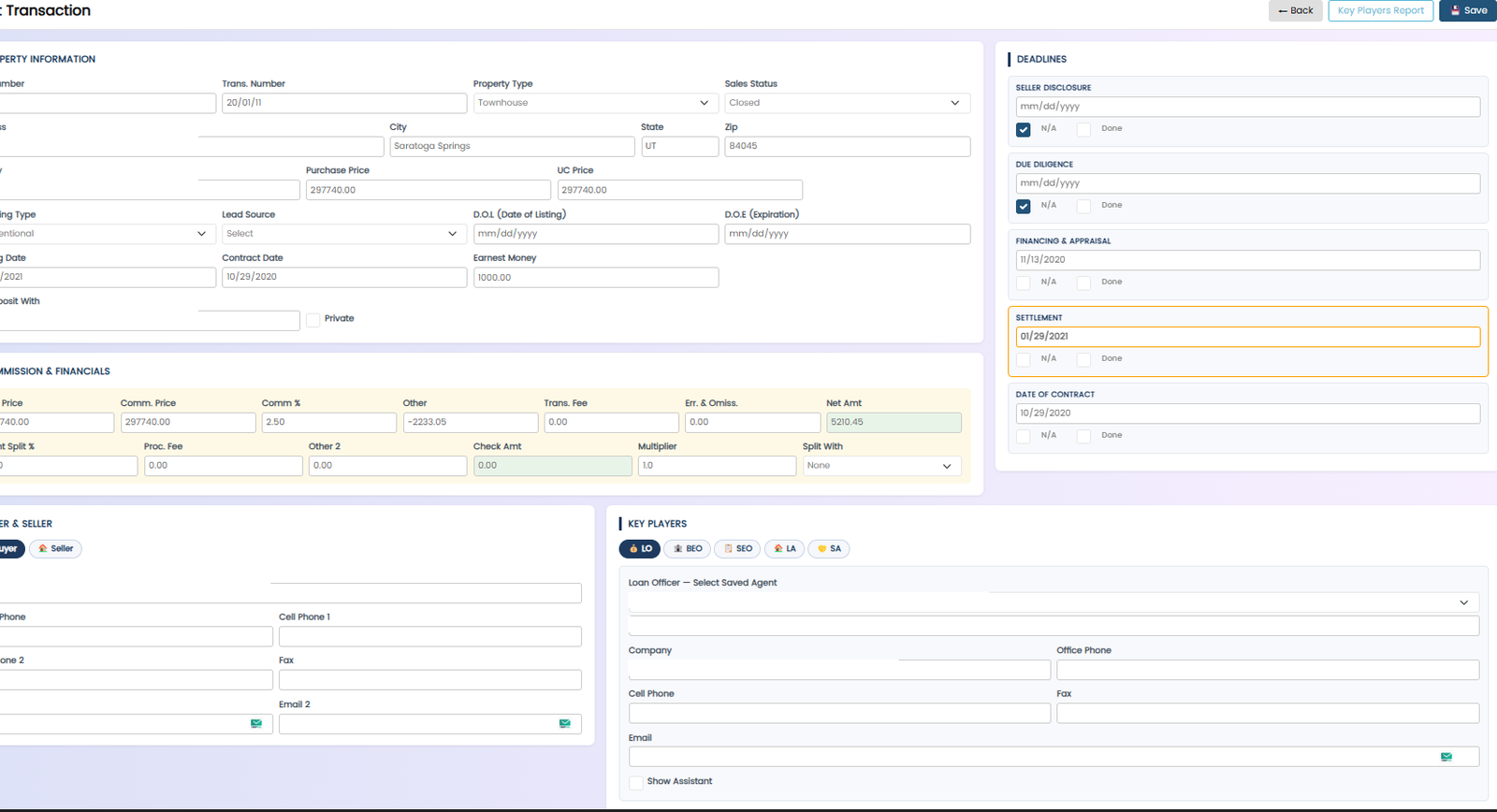
Each screen your team relies on gets rebuilt for the browser, matching the workflow rather than just the look.
Migrate and validate the data
Every record moves over with integrity checks, so what you see in the web app matches Access exactly.
Test with your team, then go live
You and your team try it against real work before the desktop version is retired.
Real result, not a sales line
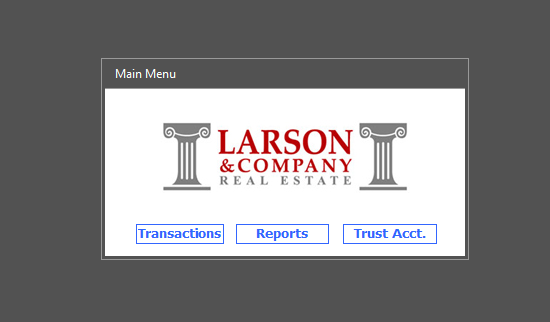
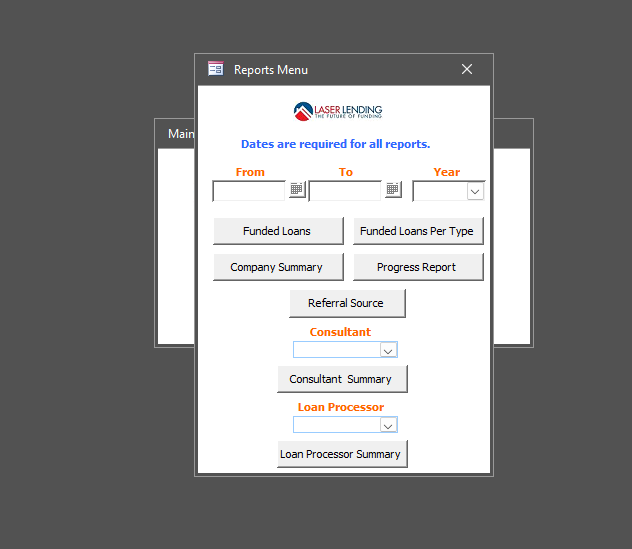
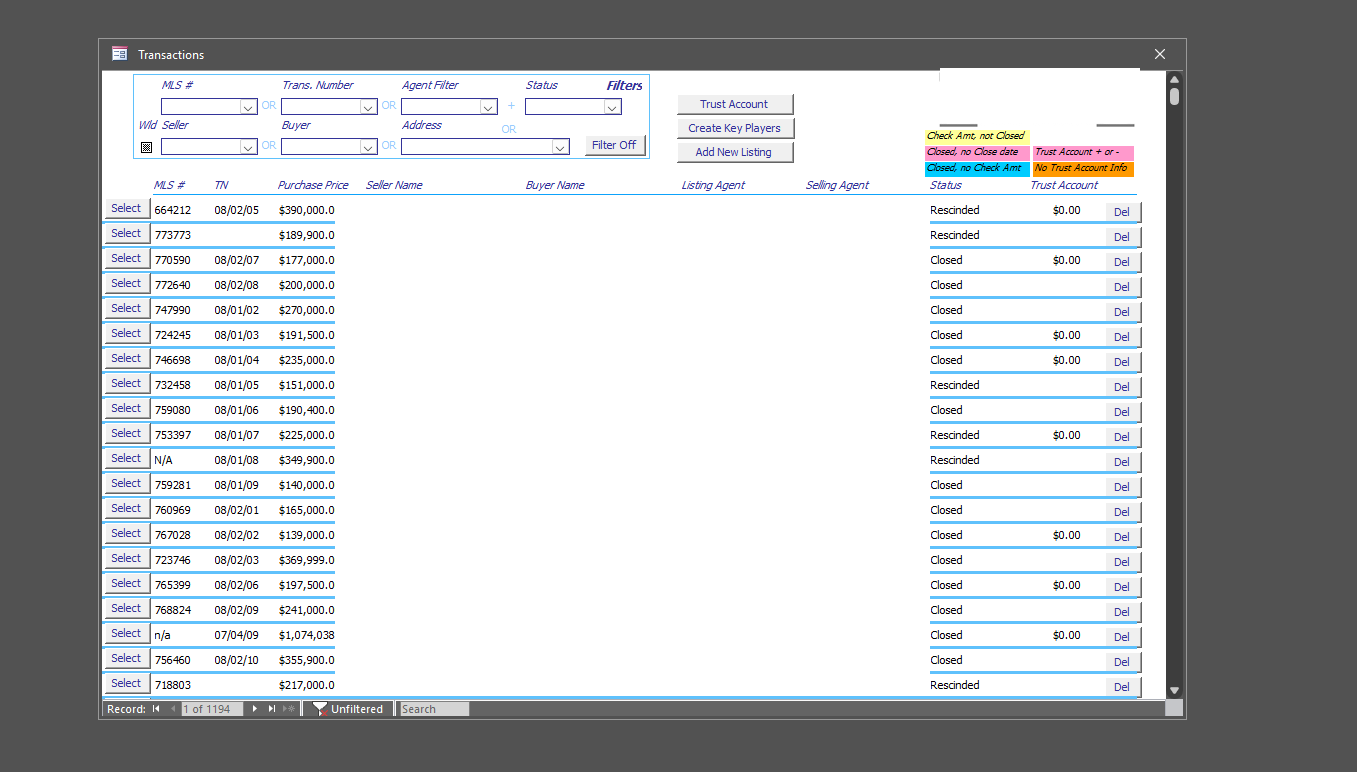
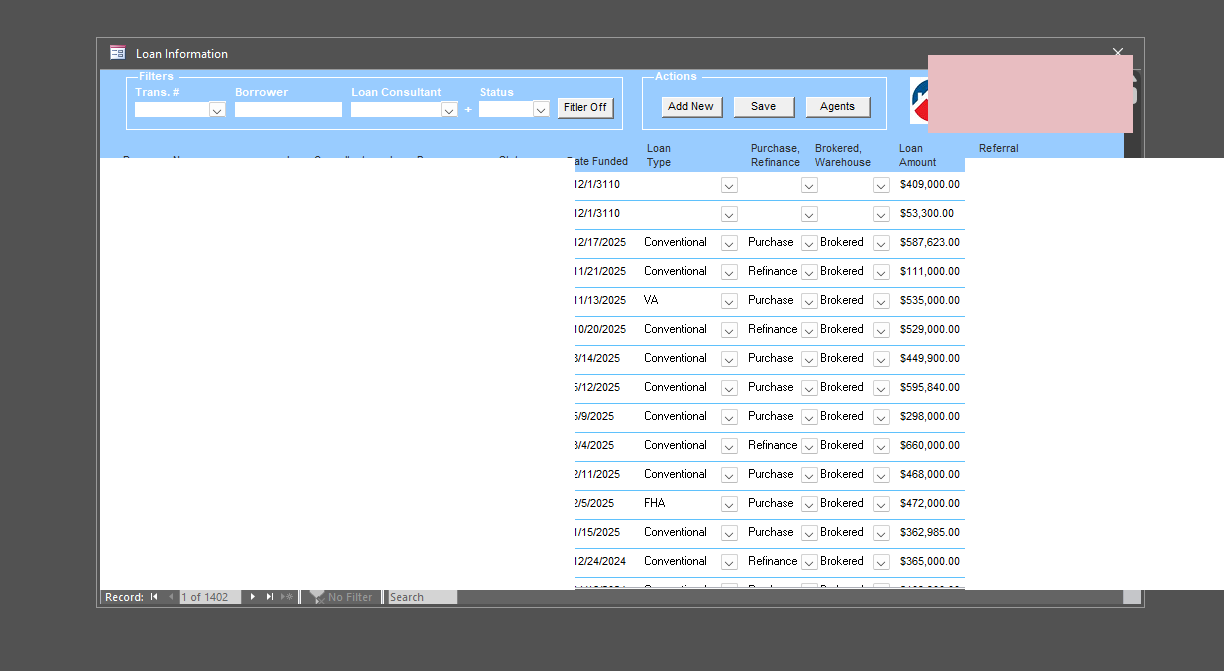
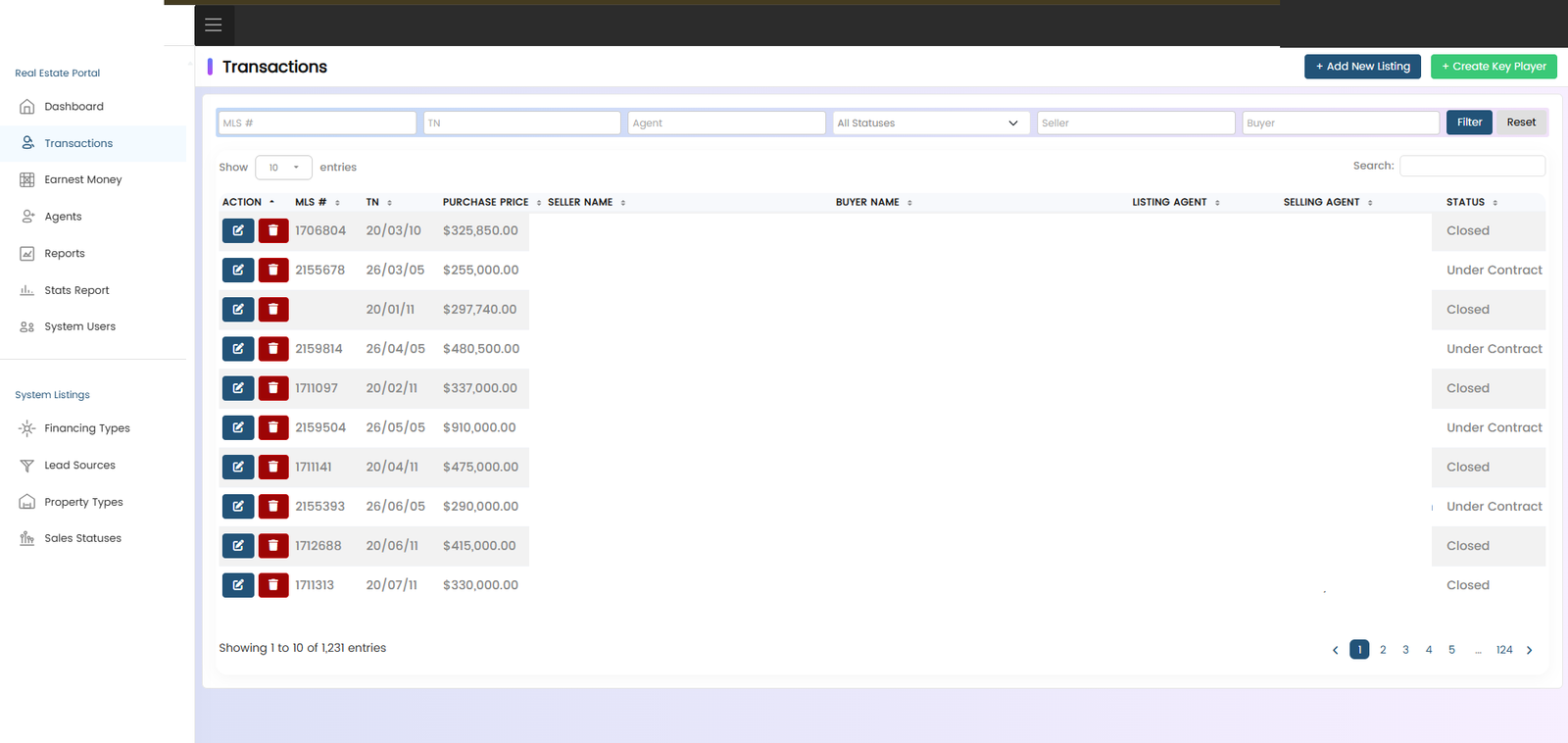
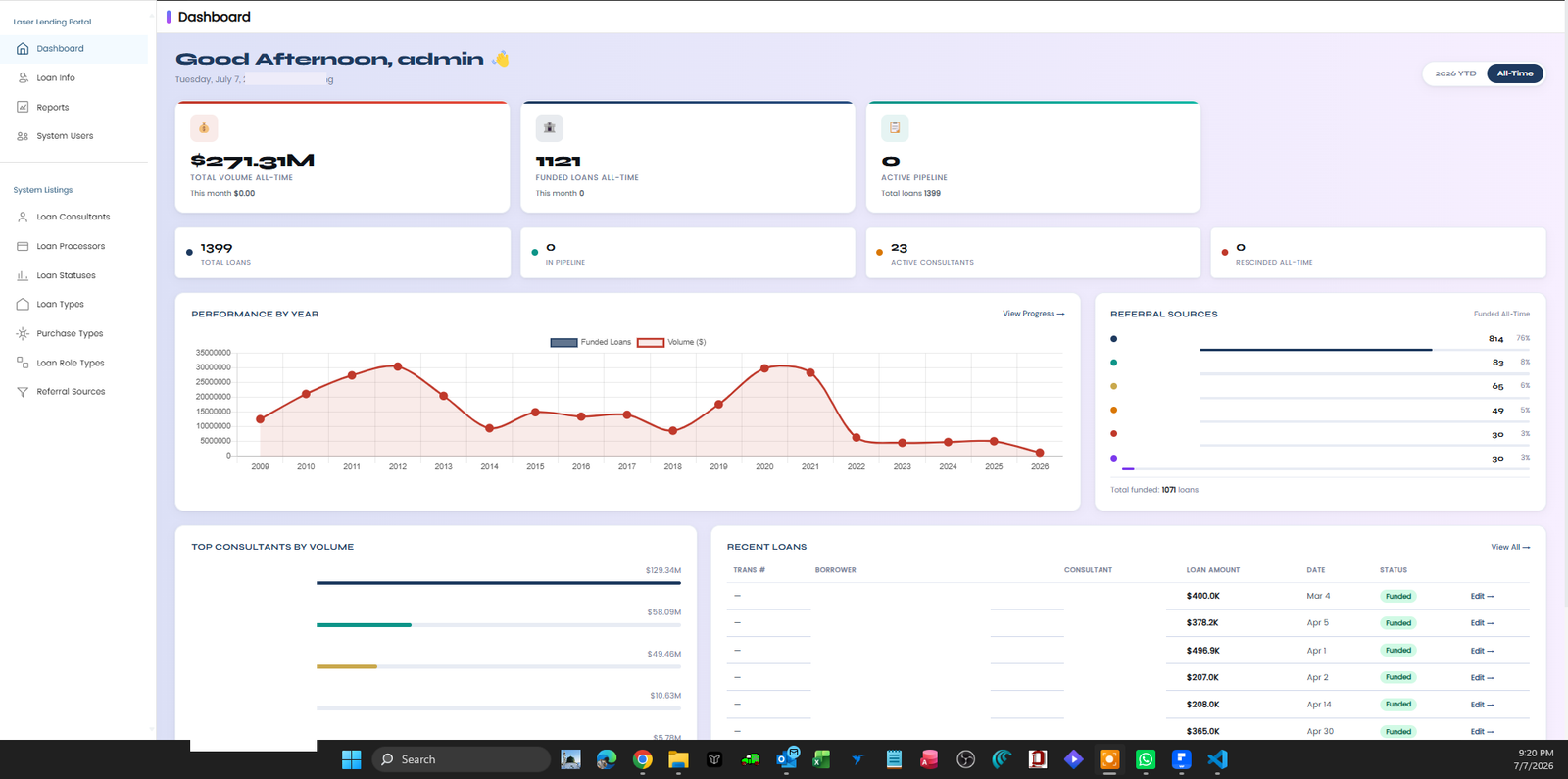
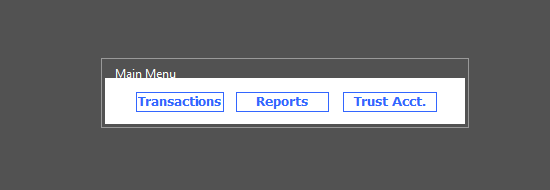
A real estate and mortgage lending client was running two separate Access databases — one for agent transactions, one for the loan lending side — each tied to a single desktop. We rebuilt both as one web application, so both offices now work from the same live data no matter where they're logging in from, with reporting neither original database could produce on its own.
What actually changed
Access (desktop)

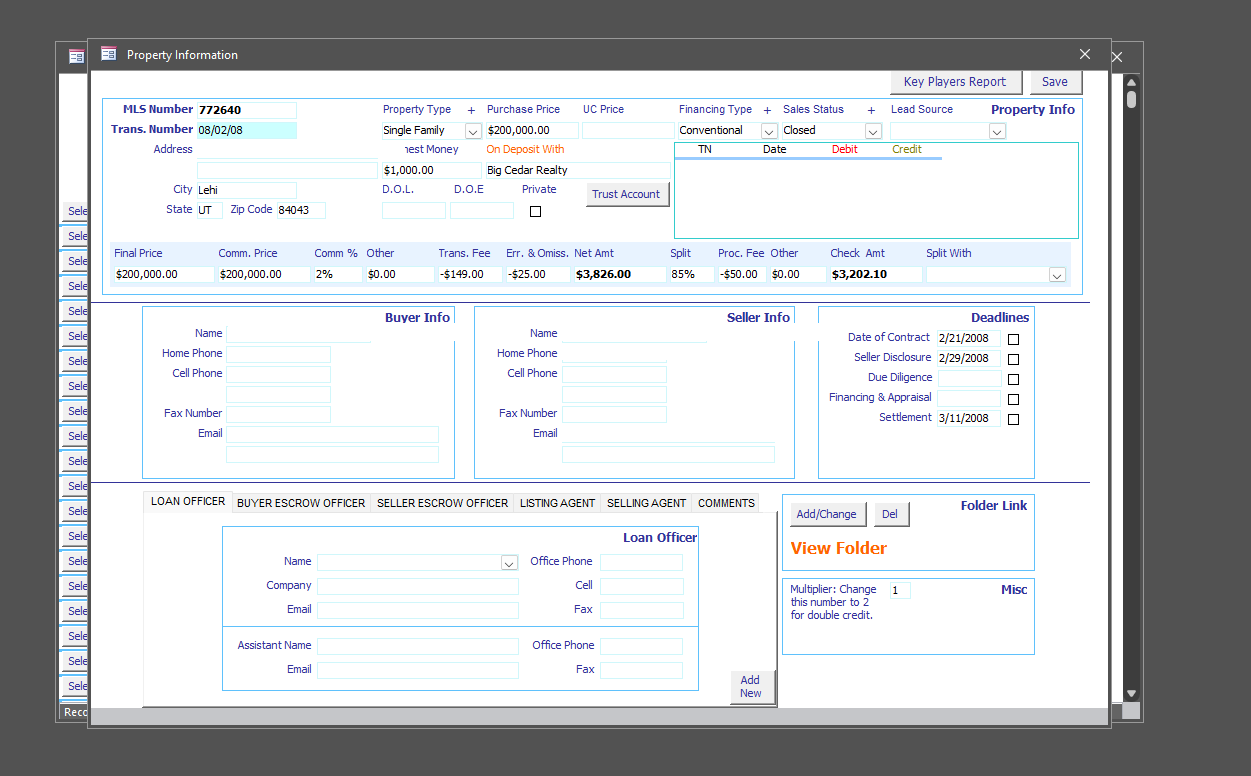
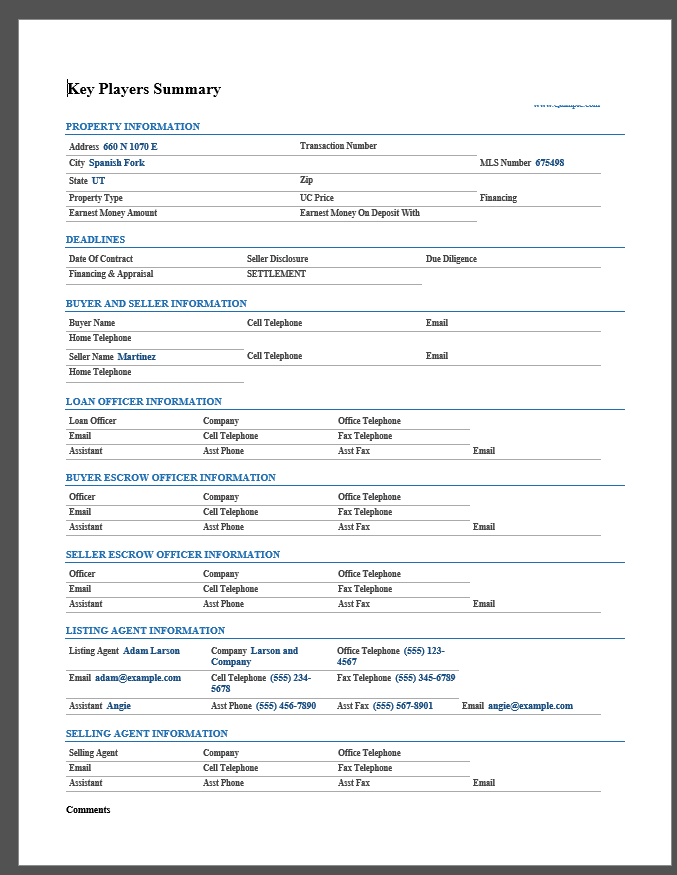
Custom Web App
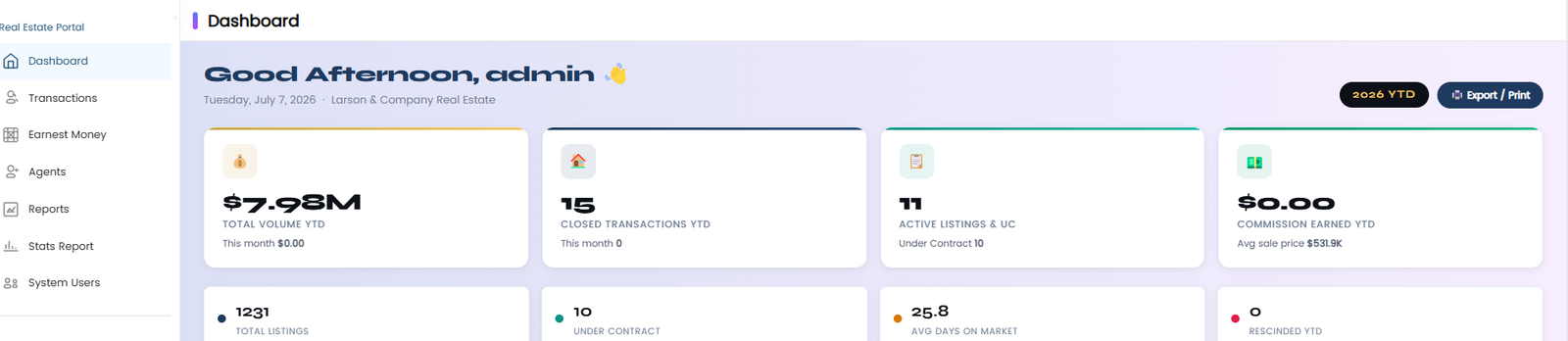
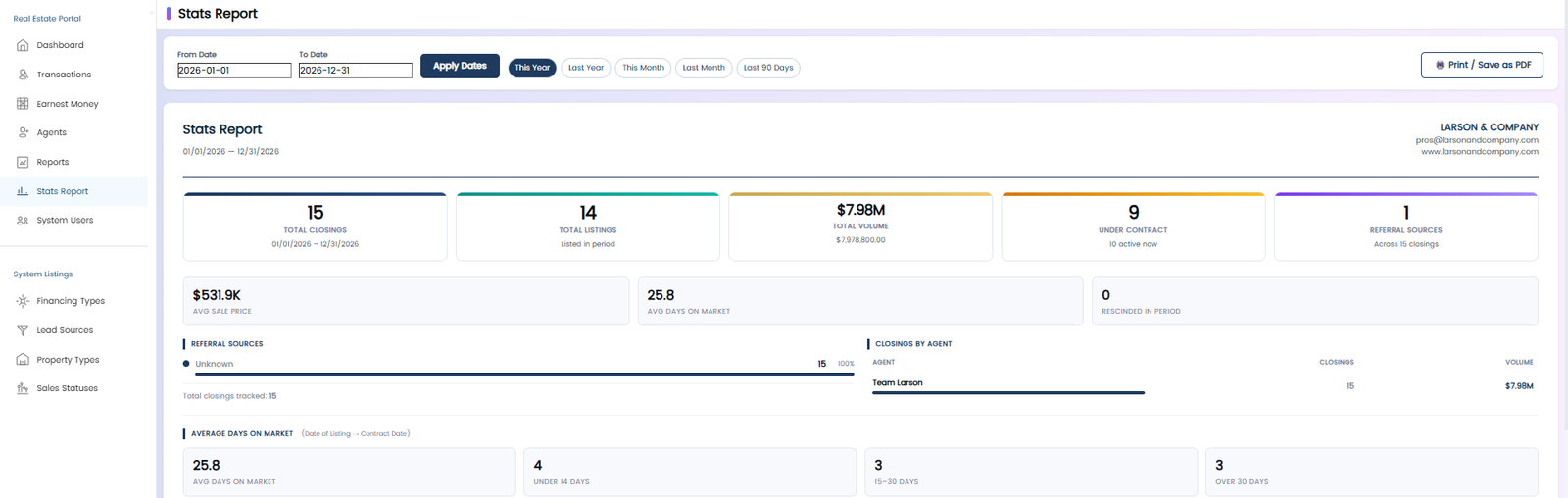
How VBA-era logic becomes a web application
The part clients worry about most is the logic. Years of business rules live inside that database: how a commission splits, what makes an order count as late, which three conditions have to hold before an invoice can go out. That logic is exactly what the audit stage documents. I read the VBA behind every button and form event, trace each macro and query, and write down what the system actually enforces, which is often subtly different from what everyone believes it enforces. The web app gets built from that document, so the rules survive the move even when their original author left the company years ago.
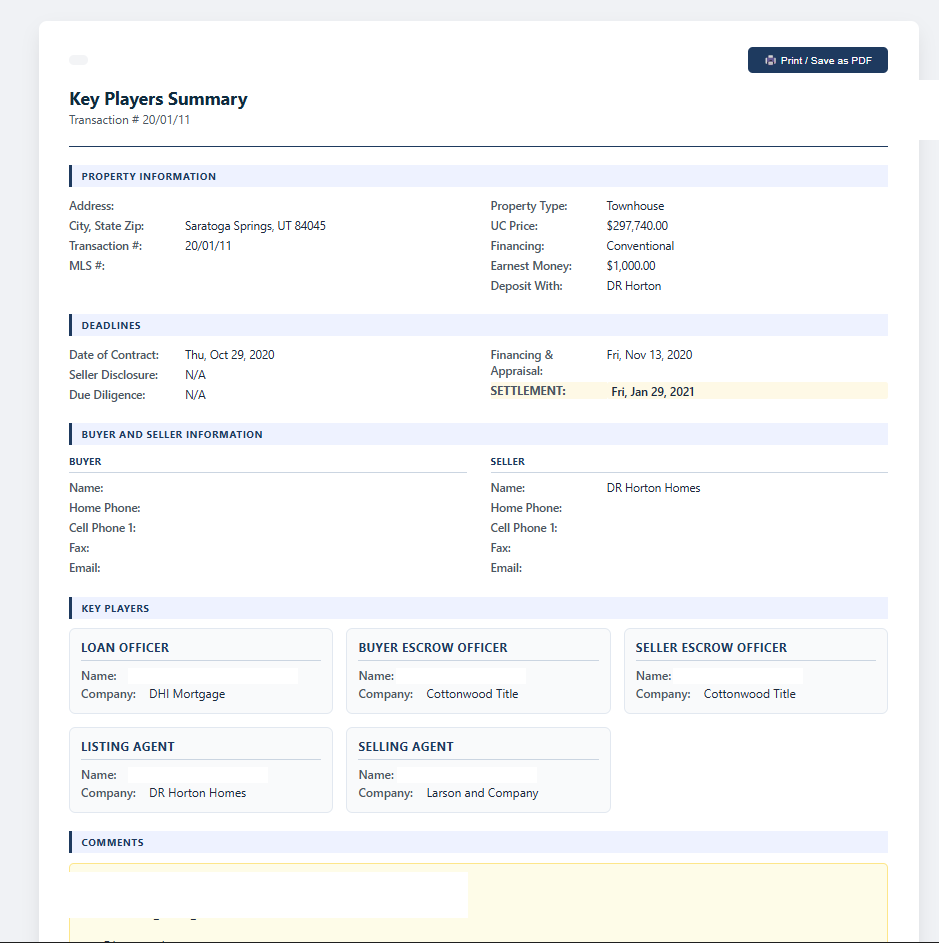
The translation itself follows a consistent mapping. Access tables become the web app's database, usually keeping the same field names so your team's historical knowledge still applies. Each form becomes a page, and I pay attention to the tab order and habits your staff have in muscle memory rather than redesigning workflows for the sake of it. VBA routines become server-side code, and reports become on-demand PDFs or live dashboard views. The dashboards are usually where clients see their first genuinely new capability, since a browser page can show today's numbers without anyone opening anything or running a report.
The audit regularly turns up a second benefit: how much of the old database is dead weight. Long-lived Access systems accumulate forms nobody opens and queries nothing calls, and there's no reason to pay for rebuilding those. Only what's actually in use gets translated, which keeps the quote honest and the new system lean. If something ambiguous turns up, a report that ran quarterly, say, I ask rather than guess.
You keep working in Access for the entire rebuild. The web version is developed against a copy of your data, your team tests it alongside the live system, and cutover happens only once it wins that comparison on real work. Afterward the Access file remains yours; plenty of clients keep it as an archive or an admin-only fallback while the daily workload moves to the browser.
What clients say
"Truly impressed with their custom Access database build for our business. Exceptional professionalism and swift responses made collaboration smooth."
Genie · via Fiverr
"XS-Data asked good questions to ensure a clear understanding, then produced a solid original database and refined it to our exact requirements. Will use again."
Mark McConel · via Fiverr
"Delivered top-notch work that truly exceeded expectations, with commendable attention to detail. Professionalism unmatched."
James Andersen · via Fiverr
Frequently asked questions
Do we lose Access entirely once this is done?
That's your call — most clients keep the Access file as a backup or for admin-only tasks while day-to-day use moves to the web app. Nothing forces you to delete it.
Will the web app work the same way our Access database does?
The goal is to keep your business logic and data structure intact — we rebuild the forms, reports, and rules you already rely on rather than starting from scratch.
How much does a rebuild like this cost?
It depends on how many forms and reports there are, and how much VBA logic sits behind them. Send over a copy of the database, or even a few screenshots, and I'll give you a real quote.
Can different users see different things in the web app?
Yes. Role-based access is one of the main advantages of moving to the web: staff, clients, and vendors can each get exactly the access they need and nothing more.
Who hosts the web app once it's built?
We'll set it up on a hosting platform that fits your budget and technical comfort level, and walk you through what maintaining it looks like going forward.
Show me your database, I'll tell you what the web version looks like
Free, no-obligation look at what rebuilding your Access database as a web app would actually involve.